Your intranet sits at the center of your digital workplace. It’s where employees go to collaborate, access content, and stay connected. As organizations add AI tools, integrate more systems, and modernize how teams work, the intranet becomes even more essential, and more vulnerable.
Today’s threat landscape is changing fast. Traditional cyber risks still exist, but attackers are increasingly using generative AI to craft more convincing phishing attempts, exploit weak access controls, or automate attacks at a scale that wasn’t possible a few years ago. For organizations relying on Microsoft 365, SharePoint, Fresh Intranet, or custom modern work environments, securing the intranet is no longer optional. It’s fundamental.
In this article, we break down the evolving risks and outline practical ways to strengthen your intranet’s defenses without slowing down your teams.
Why Intranet Security Matters More Than Ever
Many organizations assume their intranet is safely tucked behind internal authentication. In reality, misconfigurations, over‑permissioned accounts, and integrations with AI-powered tools can open more doors than teams realize.
If left unprotected, an intranet breach can lead to:
- Exposure of sensitive HR, financial, or operational data
- Loss of trust across employees, partners, and customers
- Workflow disruptions and productivity slowdowns
- Compliance issues, particularly for organizations governed by HIPAA, GDPR, or state‑level privacy requirements
- Operational interruptions tied to ransomware or system misuse
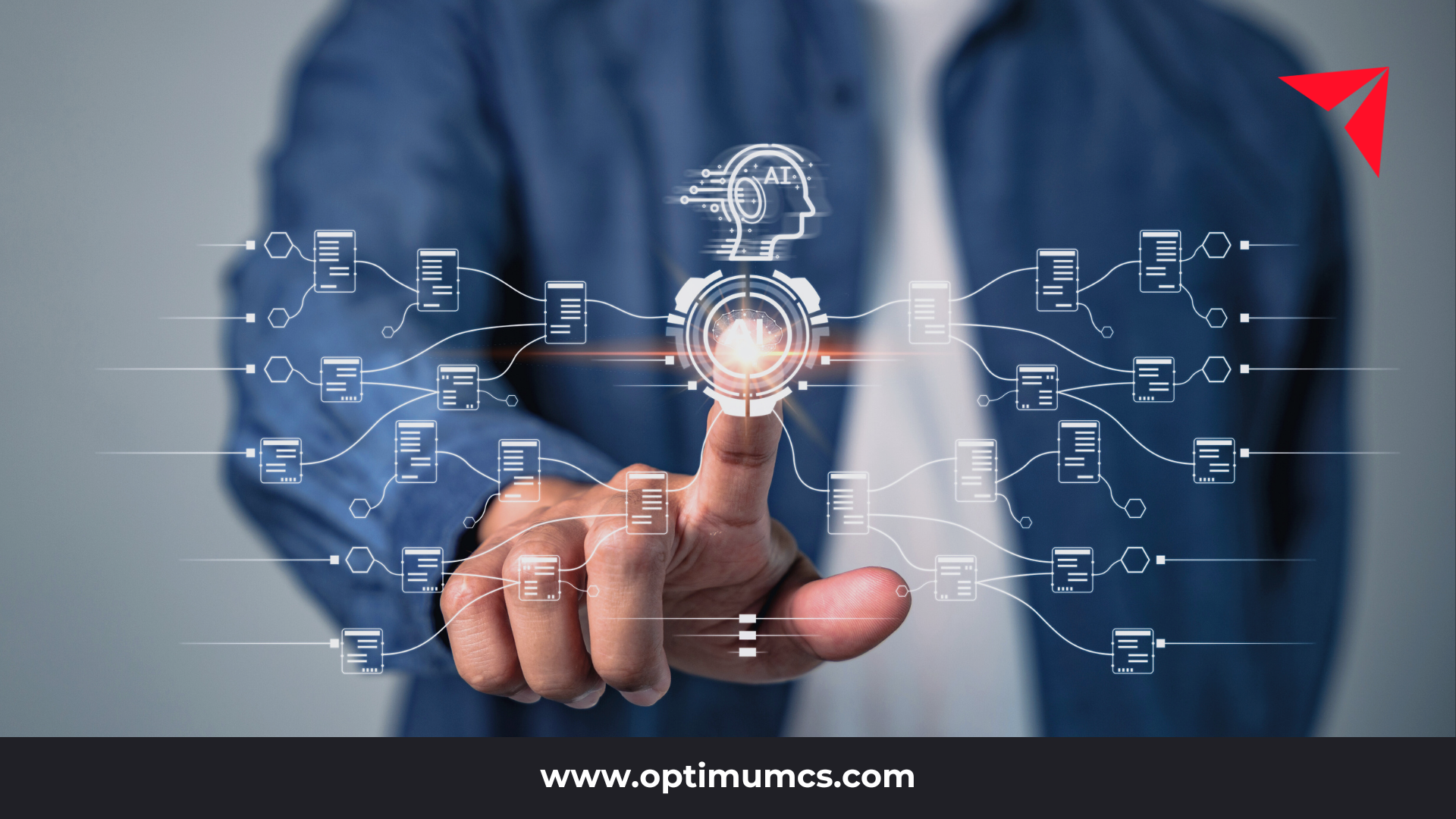
As generative AI becomes deeply embedded in workplace tools, the attack surface grows. AI models can unintentionally surface sensitive content if permissions aren’t tightly managed. Automated code generation can introduce vulnerabilities. And AI-assisted phishing creates highly tailored messages that are difficult to detect.
Securing your intranet now means securing every system and AI tool connected to it.
Internal Risks: Where Small Mistakes Create Big Vulnerabilities
Not every threat comes from outside your network. The most common internal risks are usually accidental:
- Weak or reused passwords
- Sharing passwords with coworkers
- Users with more access privileges than they need
- Uploading sensitive information into AI tools without proper guardrails
- Neglecting system updates or delaying patching
- Storing content in the wrong sites or workspaces
Most of these issues can be prevented through consistent training, clearer policies, and user-friendly governance. When employees understand why certain actions carry risk, they’re much more likely to follow best practices.
External Risks: Traditional Threats Meet AI-Enhanced Capabilities
Cyber attackers have become smarter and faster thanks to AI. Threats now include:
- Highly believable phishing emails or messages generated by AI
- Deepfakes or voice impersonation used to gain access
- Malware or ransomware delivered through shared files
- Denial-of-service attacks that interrupt intranet availability
- Exploited vulnerabilities in outdated plug-ins, APIs, or integrations
AI isn’t just used defensively. Attackers use it to scale, automate, and personalize attacks in ways that are hard to detect manually.
This is why organizations need multi-layered defenses that address both technology and human behavior.
Best Practices for Securing Your Intranet in the AI Era
To protect your intranet and the systems connected to it, organizations need a proactive, continuous approach.
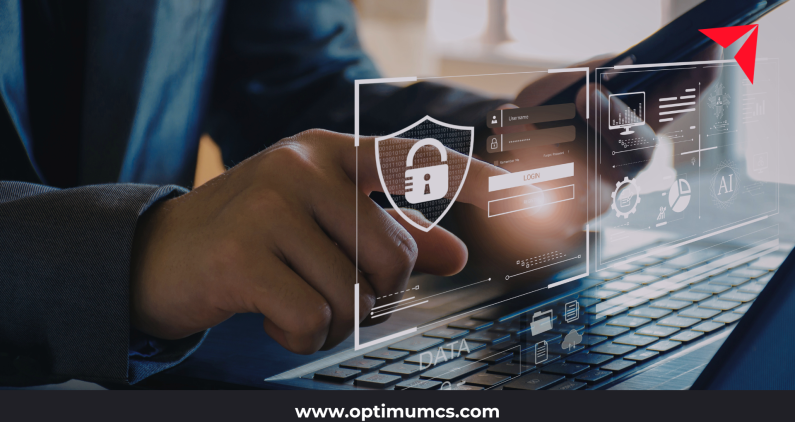
1. Enforce Strong Password Policies and MFA
Use complex, unique passwords and require multi-factor authentication. This is one of the most effective ways to block unauthorized access.
2. Keep All Platforms and Integrations Updated
Apply patches for intranet platforms, custom solutions, plug-ins, and AI tools. Vulnerabilities in AI libraries or outdated connectors can create hidden risks.
3. Limit User Access with Least-Privilege Permissions
Give employees only the access they need. Review permissions regularly and limit what AI tools can read, generate, or reference.
4. Encrypt Data in Transit and at Rest
This includes data processed through AI integrations. Encryption ensures that intercepted information can’t be used.
5. Monitor for Unusual Activity
Look for suspicious login patterns, large content exports, unusual AI prompts, or data movements that fall outside typical behavior.
6. Segment Your Network
Separate critical environments from content repositories so a single point of entry doesn’t compromise the entire intranet.
7. Train Employees Continuously
Training should include AI‑specific examples such as safe prompt practices, how to identify deepfake threats, and what not to put into public AI tools.
8. Maintain a Clear Incident Response Plan
Define roles, steps for isolating affected systems, how to disable misbehaving AI tools, and procedures for notifying stakeholders.
9. Conduct Regular Security Audits
Annual audits are a minimum. For organizations using AI tools, quarterly reviews are becoming the new norm.
How Intranet Consultants Help Organizations Build a More Secure Digital Workplace
At Optimum, our intranet consultants help organizations modernize their intranets, integrate AI tools responsibly, and strengthen data governance practices in a way that supports both security and productivity. Our approach focuses on:
- Understanding your business workflows and risk profile
- Assessing your current intranet, AI usage, and system integrations
- Implementing practical, secure, and scalable solutions
- Aligning AI capabilities with compliance and governance requirements
- Educating teams so they feel empowered, not restricted
Whether you’re using Microsoft SharePoint, Fresh Intranet, or a custom-built solution, intranet security shouldn’t be an afterthought — it should be built into how your teams work every day.
Ready to Fix Your Intranet? We Can Help.
Optimum helps organizations create modern, scalable, AI-ready intranets that employees actually use. Contact us to schedule an intranet assessment or explore examples of upgraded intranet experiences that transform how teams work.
Contact us: info@optimumcs.com | 713.505.0300 | www.optimumcs.com